
Trailer brake controllers, explained
What a brake controller does, how to tell if your truck has one, and how to set the gain before you tow.
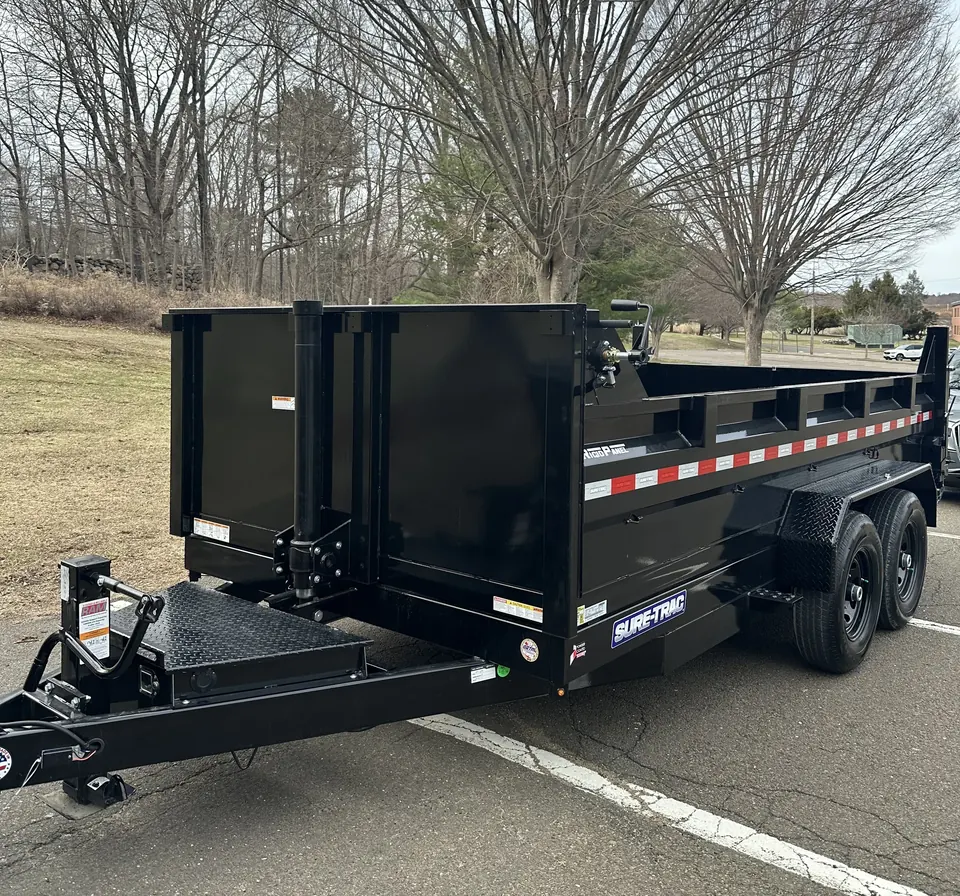
Both of our trailers have electric brakes. They only work if your tow vehicle has a brake controller—a small unit that tells the trailer’s brakes how hard to stop when you press the pedal. No controller, no trailer brakes, so we check for one at every pickup.
How to tell if you have one
- Look under the dashboard, near your left knee, for a small box with a dial or +/– buttons and a slide lever.
- Many newer pickups have one built in. Look for a trailer brake gain setting on the dashboard screen or a control near the steering wheel.
- Check your owner’s manual for “integrated trailer brake controller.”
Not sure? Text a photo of your dashboard to (203) 561-1585 and we’ll take a look.
Setting the gain
Gain is how strongly the trailer brakes apply. Set it with the trailer loaded the way you’ll tow it.
- Start with the controller’s middle setting.
- On a clear, flat stretch, drive about 20–25 mph.
- Squeeze the controller’s manual lever fully, without touching the brake pedal.
- Too low: the trailer barely slows you. Turn the gain up.
- Too high: the trailer wheels lock up or skid. Turn it down.
- You want a firm, smooth stop just short of lock-up.
Re-check after you load or unload—a full dump trailer needs a higher setting than an empty one.
Good to know
If the controller shows a “no trailer” or “disconnected” warning, check the 7-pin plug first. It’s the most common cause.
What we check at pickup
We hook up with you, confirm the 7-pin connection and test the brakes before you leave. If something isn’t working, we’ll sort it out with you before you head out.
Planning a rental?
Send your dates, what you’re hauling and your tow vehicle. A real person reviews every request.
More guides
All guides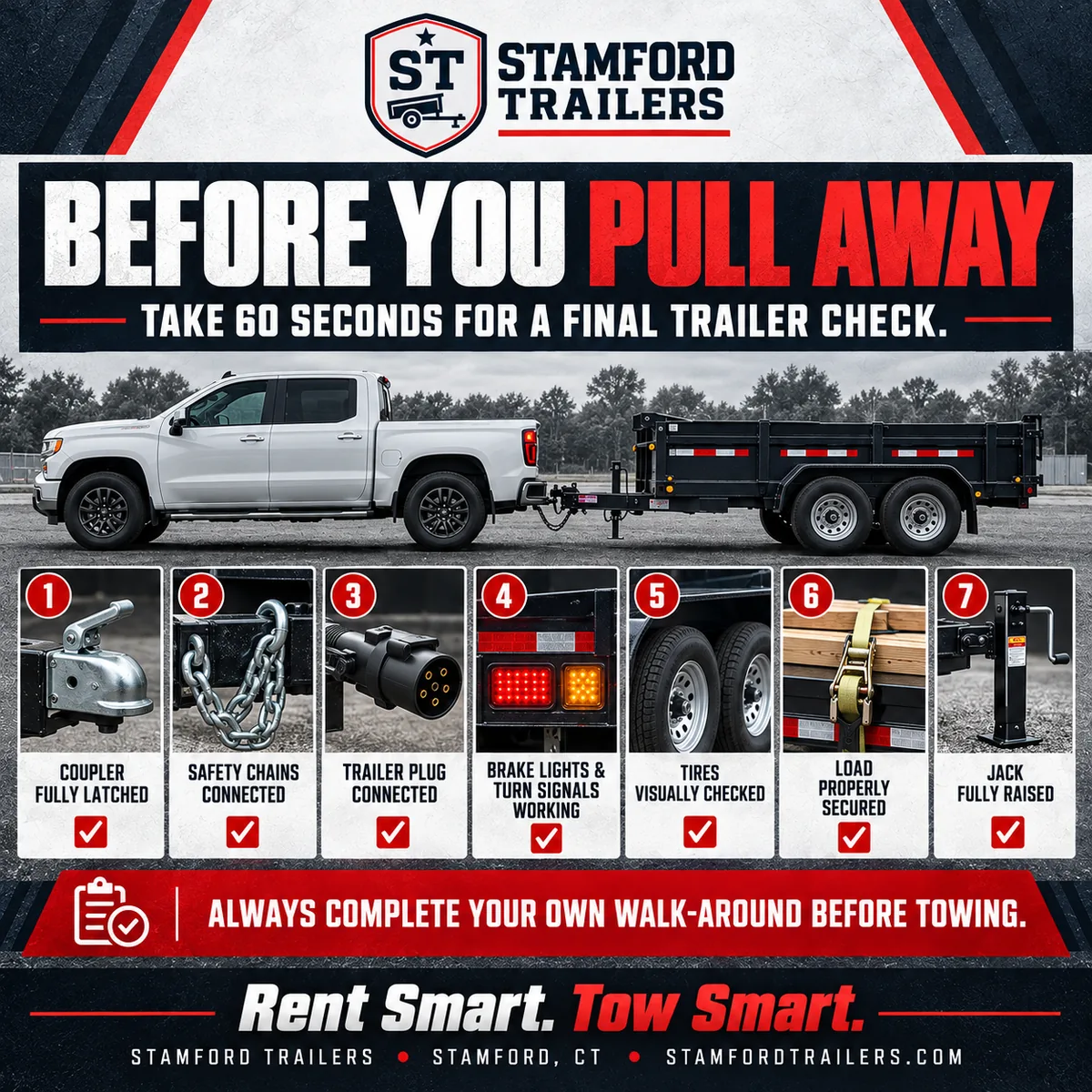
Before you pull away: the 60-second trailer check
Seven quick checks—coupler, chains, plug, lights, tires, load and jack—that prevent most towing problems.
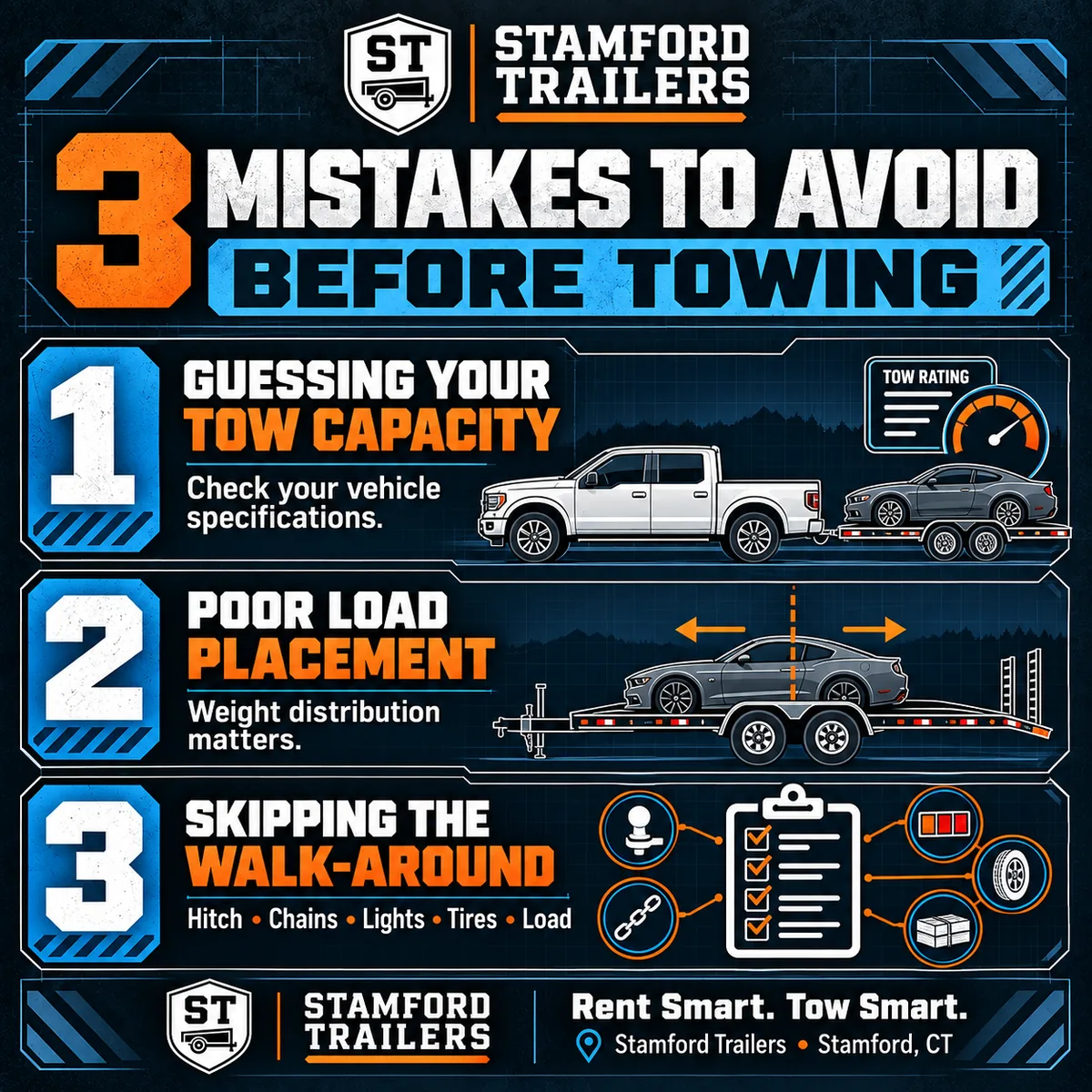
3 towing mistakes to avoid
Guessing your tow capacity, poor load placement and skipping the walk-around—and how to avoid each one.
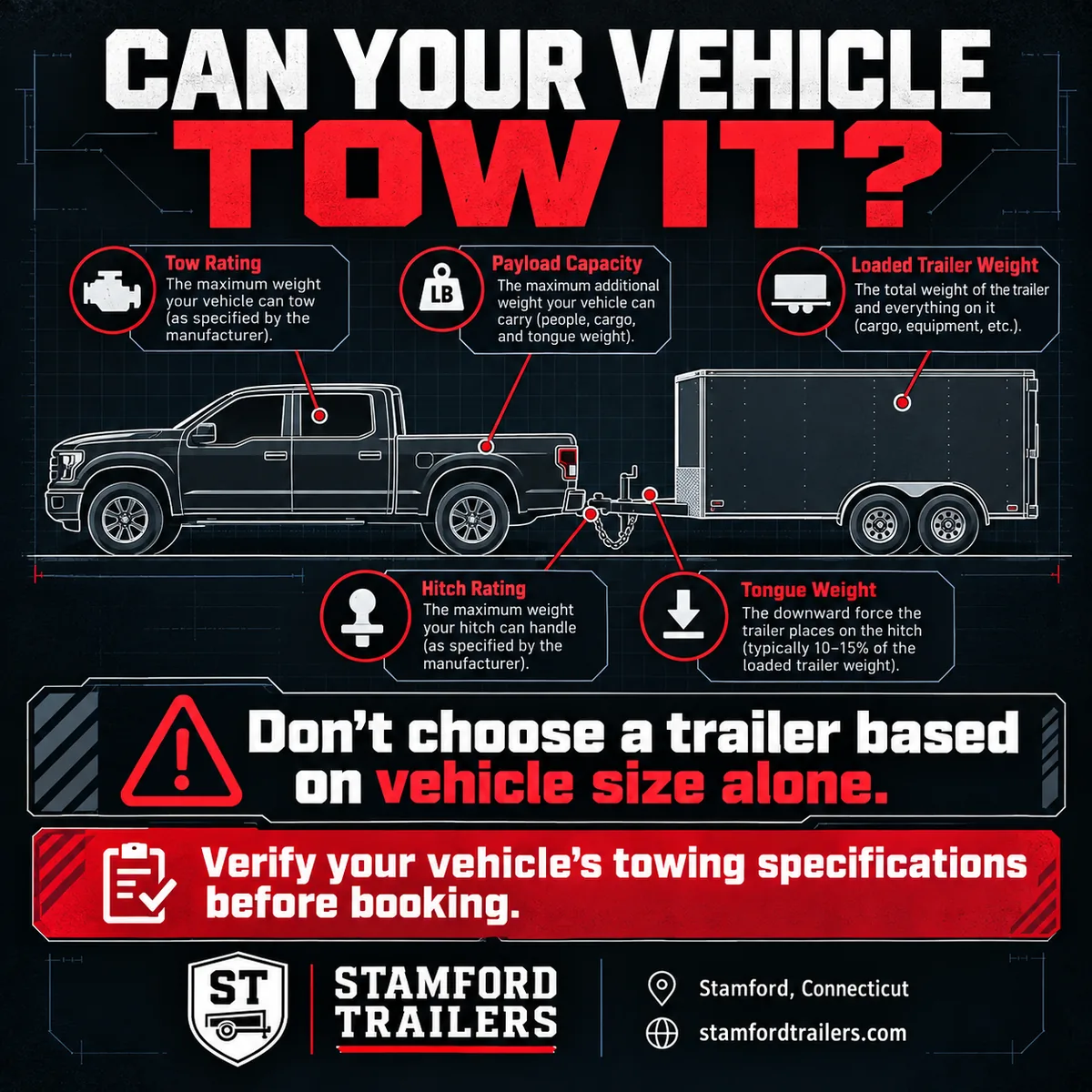
Can your vehicle tow it?
Towing capacity, payload, hitch rating and tongue weight, explained.